
News
JLR IVS VBF asbuilt Files Guide
Sep
IVS VBF As-Built Files: JLR ECU Download Support Guide
🔧 What Are VBF As-Built Files?
Vehicle Binary Files (VBF) are official Jaguar Land Rover configuration packages used to program and flash ECUs. Each VBF contains essential binary data that defines how an ECU should behave based on vehicle options, hardware configuration, and region.
The term “As-Built” refers to the original, factory-programmed configuration for that specific ECU, tied to your vehicle’s VIN (Vehicle Identification Number).
📥 How to Request IVS As-Built Files
To download or receive a Jaguar/Land Rover VBF file, follow these steps:
- Locate your 17-digit VIN (found on your dashboard or VIN label).
- Email us or submit a ticket
- Mention the ECU type (e.g., BCM, RFA, IPC) and reason for request.
- Wait for 1-12 hours for a verified configuration to be sent to you.
Be aware that VBF files are VIN-locked. Always request exact-match files to avoid ECU lockout or corruption.
⚙️ Common Use Cases for As-Built VBF Files
- Replacing or reprogramming ECUs: Flashing a donor BCM or IPC
- Restoring factory coding after a failed update
- Programming retrofit components like Drive Assist or Digital Dash
- Backing up and restoring vehicle configuration before experimental coding
🧩 Compatible Tools for Flashing VBF Files
Once you receive your As-Built file, you can flash or extract it using tools such as:
- IVS OEM Programming J2534 Unit
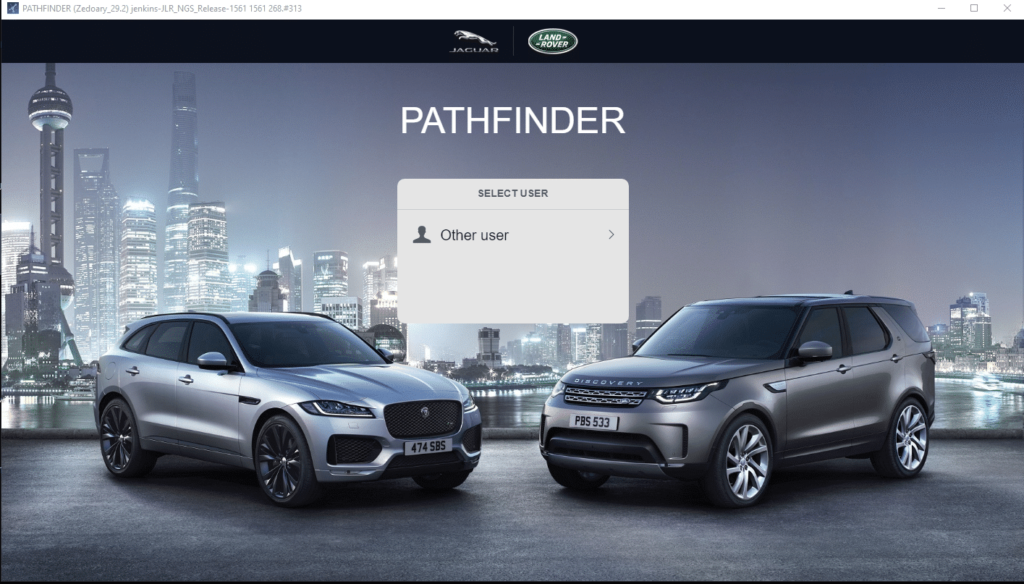
- SDD (legacy) or Pathfinder (JLR’s official platforms)
- JET Master SX-TOOL – full support for offline VBF flash + checksum
- CCF Toolkit or VBF Decoder (independent software from jlr-retrofit.com)
⚠️ Flashing Tips to Avoid ECU Lockouts
a structure and accuracy in data handling is essential. Always follow secure flash practices:
- Disable auto power-off or sleep mode on connected laptops
- Use battery chargers to maintain vehicle voltage >12.5V
- Always perform an ECU backup (if available) before deployment
- Never flash a VBF to a misidentified ECU—it can brick or lock advanced modules like KVM/RFA
🔐 As-Built vs Custom Config: Know the Difference
Many users confuse an As-Built file with a modified or custom CCF configuration. They’re not the same:
- VBF As-Built: Factory configuration only, for restoration or rebuild.
- Custom CCF: VIN-generated config intended for feature unlocks or coding experiments.
If you’re modifying features like heated seats, park assist, or dynamic indicators — you’ll need both CCF editing tools and backup As-Built VBFs.
📎 Visual Walkthrough: VBF Tool Workflow
Visit our step-by-step guide to flashing VBF files for JLR vehicles using respected tools like JET Master, Pathfinder, and IVS OEM.
✅ Conclusion
The ability to download and flash verified IVS VBF As-Built files is crucial for any retrofit specialist, dealership-level programmer, or JLR repair/diagnostic technician. These files serve as the factory blueprint needed when bringing modules back to life—or customizing functionality post-replacement.
Always coordinate with the original file source, maintain VIN accuracy, and select the right tool for transfer. With proper process management, VBF flashing is a powerful tool in your JLR programming toolbox.
